Beginner’s guide · Digital create
Build the story with cuts,
then make sound and colour agree.
A 60-second sequence teaches ingest, selects, rough cut, dialogue level, basic colour correction and export without effects becoming the edit.
Quick answer
Complete one 60-second edit before expanding the setup
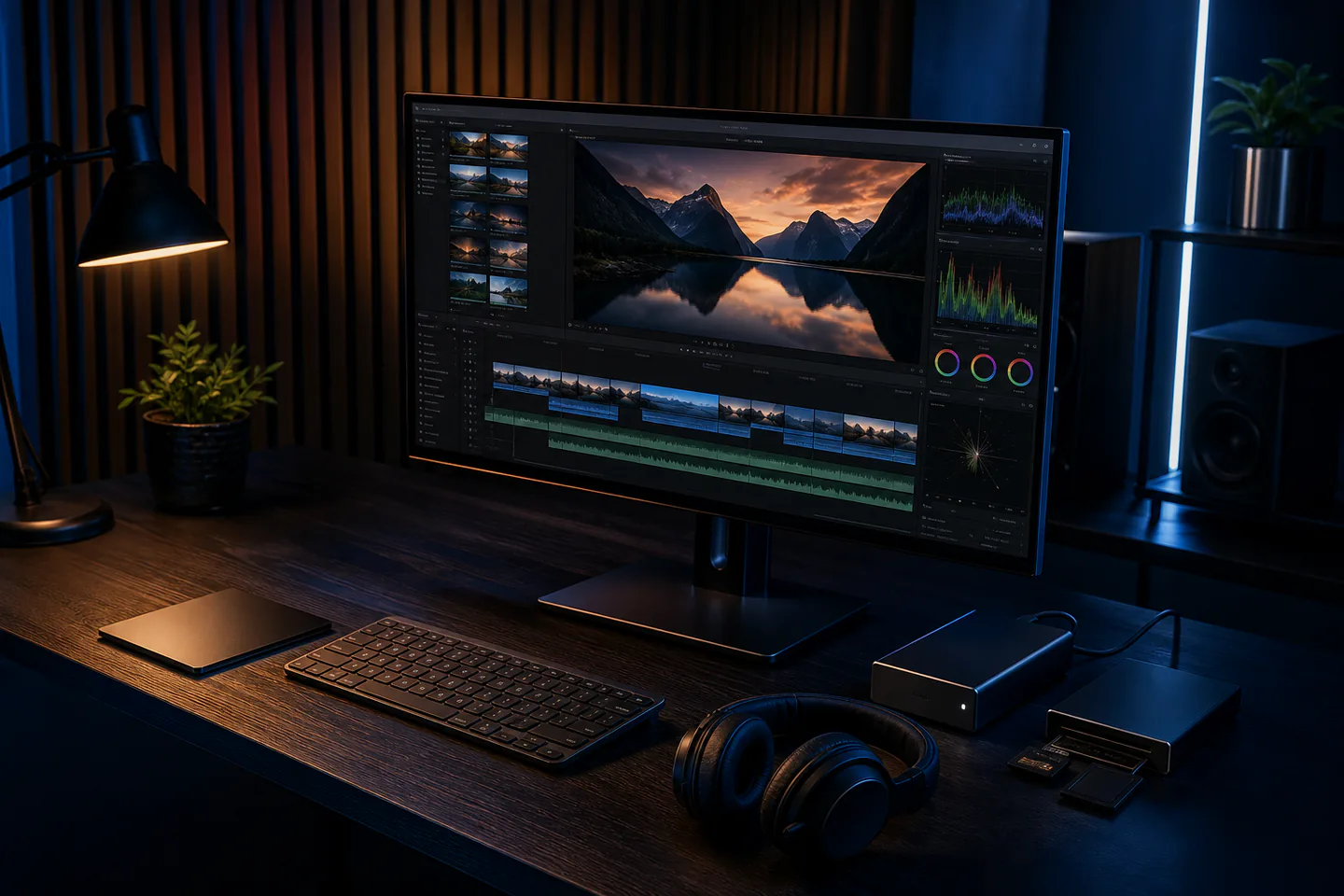
Use the current free DaVinci Resolve or another supported editor and ten to twenty clips from one simple activity. Copy media into a dated project folder, create a timeline that matches the footage, mark usable moments, assemble a silent rough cut, refine pace, balance dialogue and room tone, correct obvious exposure or white-balance mismatches and export one standard H.264 viewing file after watching the whole timeline.
- 01
Editing begins with selection and order; transitions cannot rescue footage that does not communicate the action. Record what happened during video editing so the next attempt changes one known variable instead of several guesses.
- 02
Keep camera originals untouched and edit from organised copies with verified backups. Record what happened during video editing so the next attempt changes one known variable instead of several guesses.
- 03
Dialogue intelligibility and sudden level jumps matter before music or sound effects. Record what happened during video editing so the next attempt changes one known variable instead of several guesses.
- 04
Colour correction matches shots and fixes problems; a stylised grade belongs after consistency. Record what happened during video editing so the next attempt changes one known variable instead of several guesses.
What to expect
What video editing is really like at the start
The useful beginner controls are preparation, one bounded task and a record of the result; specialist equipment matters only when it solves a repeated limitation.
Ingest
Mixed frame rates, codecs and orientations can create problems before the first cut. Record what happened during video editing so the next attempt changes one known variable instead of several guesses.
Cut
Removing a weak shot often improves pace more than shortening every clip. Record what happened during video editing so the next attempt changes one known variable instead of several guesses.
Audio
A clean cut can still feel broken when room tone and level change abruptly. Record what happened during video editing so the next attempt changes one known variable instead of several guesses.
Export
Resolution, frame rate, codec and audio settings must suit the delivery rather than the biggest available number. Record what happened during video editing so the next attempt changes one known variable instead of several guesses.
Core method
The core video editing method
Organise before import
Keep originals, project files, audio, graphics, exports and licences in named folders. Record what happened during video editing so the next attempt changes one known variable instead of several guesses.
Make a story pass
Choose the opening, action progression and ending and ignore effects until that structure works. Record what happened during video editing so the next attempt changes one known variable instead of several guesses.
Refine sound and picture
Trim on action, add room tone, balance dialogue and match obvious colour differences. Record what happened during video editing so the next attempt changes one known variable instead of several guesses.
Quality-check delivery
Watch the export from beginning to end on another device and retain the source project and master. Record what happened during video editing so the next attempt changes one known variable instead of several guesses.
Useful products
Products with a clear job in the route
Headphones expose cuts and noise, the SD card supports compatible camera capture and the microphone is a later location-audio option; a first edit can use existing phone footage and storage.
Audio-Technica ATH-M40x Monitor Headphones
Closed backs are practical while recording and checking a first mix.
SanDisk 128 GB Extreme PRO SDXC UHS-I Card
A known card simplifies a small shoot and offload routine.
RØDE VideoMicro II On-Camera Microphone
It can reduce unwanted off-axis sound compared with an exposed phone microphone.
First project
Edit a one-minute process video
Show a simple beginning, middle and end with natural sound and no more than one title card.
- 01
Copy and verify media
Preserve camera originals and confirm every file opens before formatting any card. Record what happened during video editing so the next attempt changes one known variable instead of several guesses.
- 02
Select ten useful moments
Mark clear actions and one establishing and closing shot. Record what happened during video editing so the next attempt changes one known variable instead of several guesses.
- 03
Build the silent cut
Make the sequence understandable before adding music or effects. Record what happened during video editing so the next attempt changes one known variable instead of several guesses.
- 04
Balance and match
Smooth dialogue or natural sound and correct large shot-to-shot colour differences. Record what happened during video editing so the next attempt changes one known variable instead of several guesses.
- 05
Export and watch
Create the intended delivery file and review it fully outside the editor. Record what happened during video editing so the next attempt changes one known variable instead of several guesses.
What can wait
What can wait until the first result
Delay anything that adds cost, risk or another variable before the basic workflow has produced something you can review.
- 01
Transition packs
Simple cuts reveal story and continuity problems more honestly. Record what happened during video editing so the next attempt changes one known variable instead of several guesses.
- 02
Heavy noise reduction
It can produce artefacts and cannot replace better source recording. Record what happened during video editing so the next attempt changes one known variable instead of several guesses.
- 03
A cinematic LUT
Generic looks can hide exposure and colour-management mistakes. Record what happened during video editing so the next attempt changes one known variable instead of several guesses.
- 04
Deleting camera originals
Project files do not contain the source media by themselves. Record what happened during video editing so the next attempt changes one known variable instead of several guesses.
Upgrade path
Add the capability you can now name
Each stage should remove a demonstrated constraint rather than make the setup look more advanced.
Use what you own
£0–£20Existing equipment and one written plan
Use free software and footage already owned.Repeat the first route
Free software; existing computer and phone footageA complete repeatable starter setup
Repeat one organised edit-to-export workflow.Add one capability
Often £50–£250One selected tool, service or learning resource
Add faster storage, a microphone or colour-controlled display only for a measured problem.Build specialist depth
Club, course or specialist dependentA documented specialist workflow
Develop multicam, colour management, mixing and archival masters for larger projects.Safety & care
Protect media, hearing and other people’s rights
A technically good edit can still fail through lost originals, unlicensed material or careless publication.
- Keep at least two verified copies of irreplaceable footage before editing or formatting media.
- Obtain permission for identifiable contributors and sensitive locations before publication.
- Use music, fonts, clips and images only under licences that cover the intended use.
- Monitor sound at conservative levels and take movement and vision breaks.
- Review captions, flashes, private information, continuity and audio on the actual exported file.
Outside help
When outside help earns its place
Official project-based training is valuable when media management, colour management or audio routing becomes the repeated obstacle.
Use courses that supply practice media and require a finished export rather than only feature demonstrations.
Use outside help after the first video editing attempt can reveal the exact technique, access or safety problem that needs live correction.
Representative UK learning and access routes checked 1 September 2026; local prices, permissions, equipment and tutor support vary.
Sources
Where the guidance came from
Authoritative and specialist guidance supports the method and safety boundaries; community discussion contributes recurring beginner problems rather than unsupported claims.
-
01
Blackmagic Design · DaVinci Resolve training
Official project-based editing, colour, audio, sound-design and delivery training.
Open source -
02
Blackmagic Design · Beginner’s Guide to DaVinci Resolve 20
Official beginner project, lesson files and edit-to-delivery workflow.
Open source -
03
ScreenSkills · Editor profile
UK professional editing responsibilities and workflow context.
Open source -
04
YouTube · Recommended upload encoding
Current delivery frame-rate, container, codec and audio guidance.
Open source -
05
BBC Academy · Video
Professional shooting and editing learning context.
Open source -
06
Reddit · r/editors
Community evidence on organisation, backups, codecs and delivery errors.
Open source -
07
Amazon UK · ATH-M40x Monitor Headphones
Exact Amazon UK product page or ISBN used for this recommendation; current price, seller, specification and availability should be confirmed.
Open source -
08
Amazon UK · 128 GB Extreme PRO SDXC UHS-I Card
Exact Amazon UK product page or ISBN used for this recommendation; current price, seller, specification and availability should be confirmed.
Open source -
09
Amazon UK · VideoMicro II On-Camera Microphone
Exact Amazon UK product page or ISBN used for this recommendation; current price, seller, specification and availability should be confirmed.
Open source
Guide information and links checked 1 September 2026.