Beginner’s guide · Play & perform
Finish sixteen bars,
then vary the loop with subtraction.
A drum grid, bass part, one sampled or synthesised texture and an arranged beginning and end teach more than collecting plug-ins.
Quick answer
Complete one sixteen-bar beat before expanding the setup
Use a free DAW or browser lesson and only included or clearly licensed sounds, choose one tempo, program a one-bar kick and snare pattern, add hats with deliberate velocity, write a bass part that leaves space for the kick, add one short chord or melodic layer and duplicate the loop to sixteen bars. Create an introduction by removing parts, a middle change by altering one drum or bass phrase and a clean ending, then balance faders without limiter presets and export the beat with the project and licence notes.
- 01
The groove comes from placement, duration, velocity and interaction between parts, not the number of samples. Record what happened during beatmaking so the next attempt changes one known variable instead of several guesses.
- 02
A loop becomes an arrangement when expectation changes over time. Record what happened during beatmaking so the next attempt changes one known variable instead of several guesses.
- 03
Kick and bass compete for timing and low-frequency space and should be judged together. Record what happened during beatmaking so the next attempt changes one known variable instead of several guesses.
- 04
Owning a file or subscription does not automatically grant the right to sample, publish or monetise it. Record what happened during beatmaking so the next attempt changes one known variable instead of several guesses.
What to expect
What beatmaking is really like at the start
The useful beginner controls are preparation, one bounded task and a record of the result; specialist equipment matters only when it solves a repeated limitation.
Grid
Perfect quantisation can sound rigid, but random timing is not the same as intentional feel. Record what happened during beatmaking so the next attempt changes one known variable instead of several guesses.
Sound
Many large libraries contain near-duplicates that slow decisions rather than improve the beat. Record what happened during beatmaking so the next attempt changes one known variable instead of several guesses.
Layer
Each additional part can reduce clarity and make the original groove feel smaller. Record what happened during beatmaking so the next attempt changes one known variable instead of several guesses.
Finish
A short exported arrangement teaches transitions and levels that an endless loop never exposes. Record what happened during beatmaking so the next attempt changes one known variable instead of several guesses.
Core method
The core beatmaking method
Build the drum sentence
Place kick and snare first, add hats and use velocity to support the pulse rather than fill every step. Record what happened during beatmaking so the next attempt changes one known variable instead of several guesses.
Fit bass around the kick
Choose notes and lengths that reinforce the groove and mute overlaps that create mud. Record what happened during beatmaking so the next attempt changes one known variable instead of several guesses.
Add one identity layer
Use a simple chord, melody, texture or legal sample and leave deliberate empty space. Record what happened during beatmaking so the next attempt changes one known variable instead of several guesses.
Arrange by contrast
Duplicate to sixteen bars, remove parts for the opening, change one phrase and create an audible end. Record what happened during beatmaking so the next attempt changes one known variable instead of several guesses.
Useful products
Products with a clear job in the route
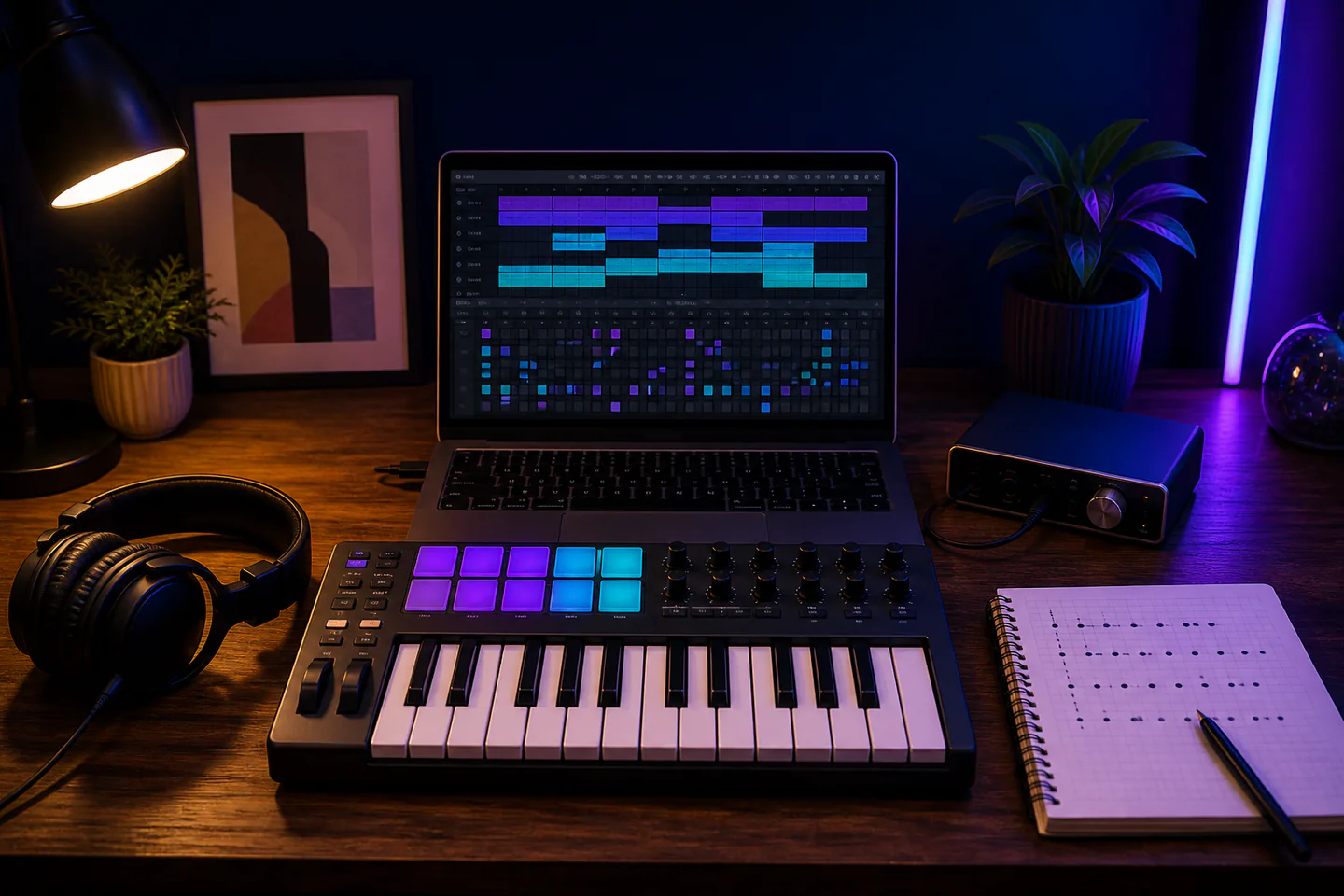
The MPK Mini offers pads, keys and controls for hands-on input while the closed headphones provide a consistent private monitoring route; neither is required to start with a mouse and free software.
Akai Professional MPK Mini MK3 MIDI Keyboard Controller
Pads and keys support rhythm and bass experiments without making hardware a requirement.
Audio-Technica ATH-M40x Professional Monitor Headphones
Closed backs suit tracking and the first editing passes in a shared home.
First project
Arrange and export a sixteen-bar drum-and-bass beat
Use no more than five sound sources and create variation by muting or changing parts.
- 01
Choose tempo and sounds
Select one kit and one bass sound from included or clearly licensed material. Record what happened during beatmaking so the next attempt changes one known variable instead of several guesses.
- 02
Program the core groove
Place kick, snare and hats and compare the loop at quiet and normal listening levels. Record what happened during beatmaking so the next attempt changes one known variable instead of several guesses.
- 03
Add bass and one layer
Leave room around the kick and use a short harmonic or melodic idea. Record what happened during beatmaking so the next attempt changes one known variable instead of several guesses.
- 04
Create sixteen-bar contrast
Use removal for the intro, one changed phrase near the middle and a deliberate final hit or decay. Record what happened during beatmaking so the next attempt changes one known variable instead of several guesses.
- 05
Balance and export
Set faders without clipping, save source licences and export WAV and listening copy. Record what happened during beatmaking so the next attempt changes one known variable instead of several guesses.
What can wait
What can wait until the first result
Delay anything that adds cost, risk or another variable before the basic workflow has produced something you can review.
- 01
Paid sample subscriptions
Included sounds can prove the method before a catalogue and licence commitment. Record what happened during beatmaking so the next attempt changes one known variable instead of several guesses.
- 02
Many plug-ins
Stock instruments and effects already reveal arrangement and gain decisions. Record what happened during beatmaking so the next attempt changes one known variable instead of several guesses.
- 03
Heavy master limiting
Loudness can hide clipping, balance and transient problems. Record what happened during beatmaking so the next attempt changes one known variable instead of several guesses.
- 04
Uncleared commercial samples
Transformation does not automatically remove copyright or clearance duties. Record what happened during beatmaking so the next attempt changes one known variable instead of several guesses.
Upgrade path
Add the capability you can now name
Each stage should remove a demonstrated constraint rather than make the setup look more advanced.
Use what you own
£0–£20Existing equipment and one written plan
Use browser lessons or a free DAW with included sounds.Repeat the first route
Free software to about £180 with controllerA complete repeatable starter setup
Finish several sixteen-bar beats with the same small palette.Add one capability
Often £50–£250One selected tool, service or learning resource
Add a MIDI controller or sample recorder for a named input limitation.Build specialist depth
Club, course or specialist dependentA documented specialist workflow
Develop full tracks, collaboration and release workflows with documented rights.Safety & care
Protect hearing, licences and the original project
A publishable beat needs more than a convincing loop.
- Keep headphone levels conservative, take regular breaks and stop at ringing, pain or temporary dullness.
- Use only samples, loops and recordings whose licence and performer permissions cover the intended release.
- Save project versions and back up source recordings, exports and licence evidence separately.
- Route power and USB cables safely and keep drinks away from equipment.
- Do not assume normalisation or a limiter prevents clipping throughout the signal chain.
Outside help
When outside help earns its place
A beatmaking workshop is useful when groove, bass interaction and arrangement can be heard before and after specific edits.
Choose a class that works with supplied legal sounds and requires a finished export.
Use outside help after the first beatmaking attempt can reveal the exact technique, access or safety problem that needs live correction.
Representative UK learning and access routes checked 1 September 2026; local prices, permissions, equipment and tutor support vary.
Sources
Where the guidance came from
Authoritative and specialist guidance supports the method and safety boundaries; community discussion contributes recurring beginner problems rather than unsupported claims.
-
01
Ableton · Learning Music
Interactive rhythm, beat, melody, bass and song-structure lessons.
Open source -
02
Ableton Learn · Make your first beats
Browser-based first drum programming practice.
Open source -
03
Ableton · Making Music
Creative drum, arrangement and problem-solving reference.
Open source -
04
The MIDI Association · MIDI basics
Primary MIDI messages, devices and workflow concepts.
Open source -
05
UK IPO · Copyright
UK ownership, permission and reuse context for samples.
Open source -
06
Reddit · r/makinghiphop
Community evidence on loops, arrangement, sample choice, finishing and monitoring.
Open source -
07
Amazon UK · MPK Mini MK3 MIDI Keyboard Controller
Exact Amazon UK product page or ISBN used for this recommendation; current price, seller, specification and availability should be confirmed.
Open source -
08
Amazon UK · ATH-M40x Professional Monitor Headphones
Exact Amazon UK product page or ISBN used for this recommendation; current price, seller, specification and availability should be confirmed.
Open source
Guide information and links checked 1 September 2026.