Beginner’s guide · Digital create
Record one clean source,
then build the world in layers.
A one-minute soundscape teaches listening, recording, file naming, Foley, editing, perspective and mix balance without a giant effects library.
Quick answer
Complete one soundscape before expanding the setup
Choose one place such as a kitchen at night and write a ten-event spotting list. Record room tone and original close sounds with a phone or borrowed recorder, name and back up every take, edit only the useful portions, place background, movement and detail on separate tracks, vary level and frequency for distance, then mix quietly enough to retain headroom and export a lossless master plus a listening copy.
- 01
Room tone is the acoustic floor that lets edits join without unnatural silence. Record what happened during sound design so the next attempt changes one known variable instead of several guesses.
- 02
Microphone distance and angle shape a sound before any plug-in does. Record what happened during sound design so the next attempt changes one known variable instead of several guesses.
- 03
Layering works when each sound has a separate story job rather than merely making the mix louder. Record what happened during sound design so the next attempt changes one known variable instead of several guesses.
- 04
A sound library needs provenance, licence and searchable metadata as much as files. Record what happened during sound design so the next attempt changes one known variable instead of several guesses.
What to expect
What sound design is really like at the start
The useful beginner controls are preparation, one bounded task and a record of the result; specialist equipment matters only when it solves a repeated limitation.
Capture
Handling, wind, traffic and automatic gain can overwhelm an interesting source. Record what happened during sound design so the next attempt changes one known variable instead of several guesses.
Edit
Short fades remove clicks, but excessive cleanup makes recordings thin and artificial. Record what happened during sound design so the next attempt changes one known variable instead of several guesses.
Perspective
Distant sound is usually quieter, less detailed and more affected by its environment. Record what happened during sound design so the next attempt changes one known variable instead of several guesses.
Mix
Several individually good layers can mask one another when they occupy the same range and moment. Record what happened during sound design so the next attempt changes one known variable instead of several guesses.
Core method
The core sound design method
Spot the scene
List background, movement, details, transitions and silence before recording. Record what happened during sound design so the next attempt changes one known variable instead of several guesses.
Capture wild tracks
Record room tone, several distances and clean takes with spoken or written metadata. Record what happened during sound design so the next attempt changes one known variable instead of several guesses.
Build in passes
Place ambience first, then actions, details and designed transitions on named tracks. Record what happened during sound design so the next attempt changes one known variable instead of several guesses.
Mix and deliver
Balance at a conservative level, check headphones and speakers and export a lossless master. Record what happened during sound design so the next attempt changes one known variable instead of several guesses.
Useful products
Products with a clear job in the route
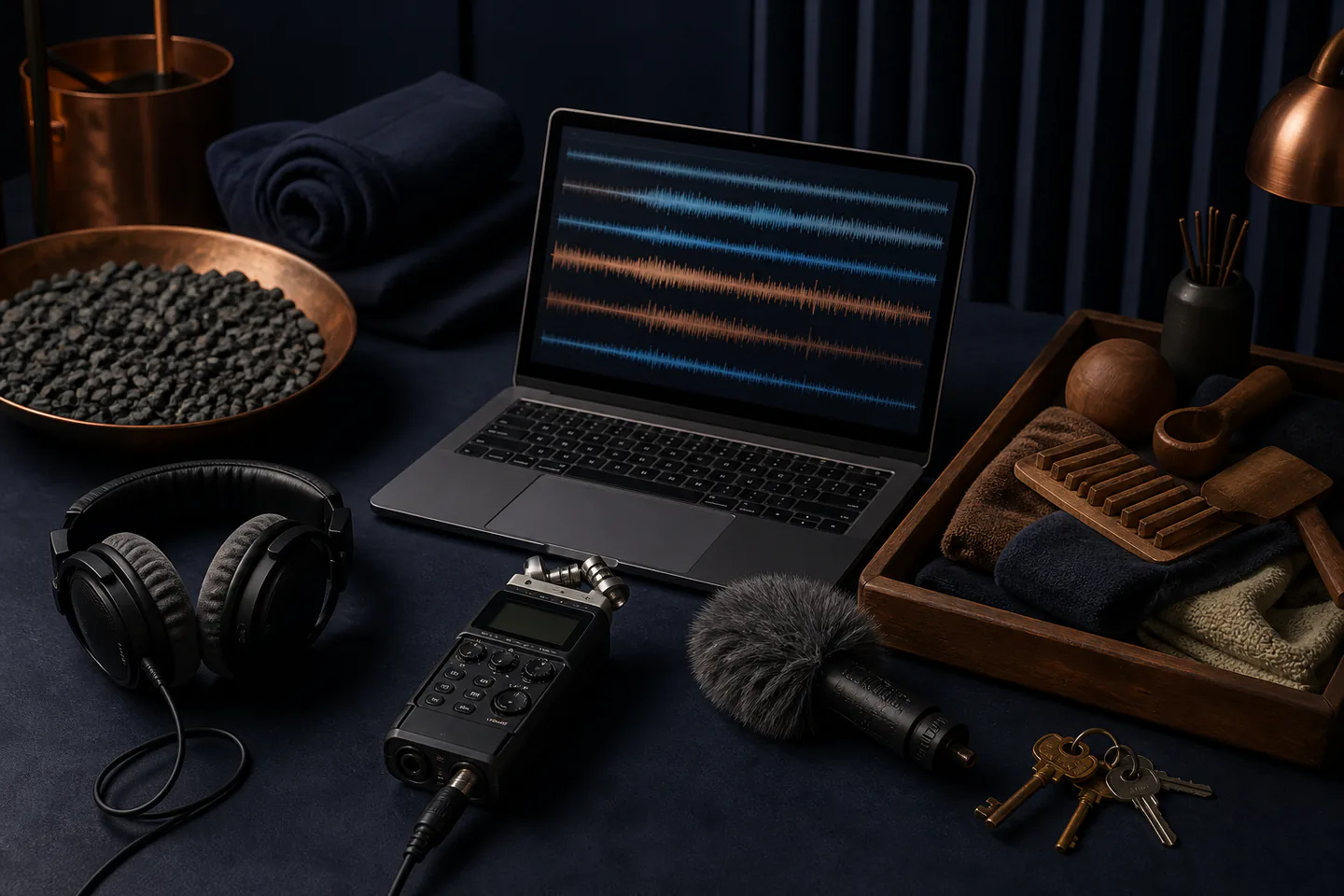
The portable recorder captures immediate stereo, the compact microphone offers a directional option with compatible inputs and the closed headphones expose edit noise.
Zoom H1n Handy Recorder
It makes mic position, room tone and gain audible in one compact device.
RØDE VideoMicro II On-Camera Microphone
It can reduce unwanted off-axis sound compared with an exposed phone microphone.
Audio-Technica ATH-M40x Monitor Headphones
Closed backs are practical while recording and checking a first mix.
First project
Build a one-minute unseen room
Create a believable place and small event using only original recordings and room tone.
- 01
Write ten sound events
Include a background, entrance, action, detail, pause and exit. Record what happened during sound design so the next attempt changes one known variable instead of several guesses.
- 02
Record room tone first
Capture at least one uninterrupted minute from a stable position. Record what happened during sound design so the next attempt changes one known variable instead of several guesses.
- 03
Collect close and distant takes
Change one microphone distance or angle at a time. Record what happened during sound design so the next attempt changes one known variable instead of several guesses.
- 04
Edit and layer
Use short fades, named tracks and deliberate empty space. Record what happened during sound design so the next attempt changes one known variable instead of several guesses.
- 05
Mix and test
Export, listen on two systems and note masking, clicks and unclear perspective. Record what happened during sound design so the next attempt changes one known variable instead of several guesses.
What can wait
What can wait until the first result
Delay anything that adds cost, risk or another variable before the basic workflow has produced something you can review.
- 01
A huge effects library
Original recordings teach microphone choice and metadata more directly. Record what happened during sound design so the next attempt changes one known variable instead of several guesses.
- 02
Aggressive noise reduction
It can create metallic artefacts and cannot restore clipped audio. Record what happened during sound design so the next attempt changes one known variable instead of several guesses.
- 03
Surround delivery
Stereo is enough to learn width, depth and balance. Record what happened during sound design so the next attempt changes one known variable instead of several guesses.
- 04
Expensive plug-ins
Level, edit, EQ and timing solve most first-scene problems. Record what happened during sound design so the next attempt changes one known variable instead of several guesses.
Upgrade path
Add the capability you can now name
Each stage should remove a demonstrated constraint rather than make the setup look more advanced.
Use what you own
£0–£20Existing equipment and one written plan
Use a phone and free multitrack software.Repeat the first route
Phone and free software; £0–£180 optional recorderA complete repeatable starter setup
Build and tag a small original library.Add one capability
Often £50–£250One selected tool, service or learning resource
Add a recorder, microphone or acoustic treatment for a repeated capture problem.Build specialist depth
Club, course or specialist dependentA documented specialist workflow
Develop synthesis, dialogue editing, game middleware or multichannel delivery with calibrated monitoring.Safety & care
Protect hearing, permissions and source rights
Recording is easy to start but can capture private conversation, copyrighted material or unsafe sound levels.
- Do not record private conversations or restricted locations without permission.
- Use hearing protection around loud sources and never place microphones where doing so exposes anyone to machinery, traffic or falls.
- Monitor at conservative levels and take listening breaks before making final balance decisions.
- Keep source, creator, location, consent and licence metadata with every library file.
- Back up originals before destructive processing and retain a lossless master.
Outside help
When outside help earns its place
A Foley stage, field-recording walk or sound-editing class earns its place when microphone comparison and treated spaces are included.
Ask whether recording equipment, source files, licences and take-home sessions are part of the fee.
Use outside help after the first sound design attempt can reveal the exact technique, access or safety problem that needs live correction.
Representative UK learning and access routes checked 1 September 2026; local prices, permissions, equipment and tutor support vary.
Sources
Where the guidance came from
Authoritative and specialist guidance supports the method and safety boundaries; community discussion contributes recurring beginner problems rather than unsupported claims.
-
01
Blackmagic Design · DaVinci Resolve training
Official project-based editing, colour, audio, sound-design and delivery training.
Open source -
02
Audacity Manual
Official recording, editing, effects and export reference.
Open source -
03
REAPER User Guide
Official multitrack recording, editing, routing and mixing manual.
Open source -
04
BBC Academy · Sound
Professional recording, editing and sound-production learning.
Open source -
05
Freesound · Licensing
Effects-library licence and attribution context.
Open source -
06
Reddit · r/sounddesign
Community evidence on field recording, Foley, libraries and first mixes.
Open source -
07
Amazon UK · H1n Handy Recorder
Exact Amazon UK product page or ISBN used for this recommendation; current price, seller, specification and availability should be confirmed.
Open source -
08
Amazon UK · VideoMicro II On-Camera Microphone
Exact Amazon UK product page or ISBN used for this recommendation; current price, seller, specification and availability should be confirmed.
Open source -
09
Amazon UK · ATH-M40x Monitor Headphones
Exact Amazon UK product page or ISBN used for this recommendation; current price, seller, specification and availability should be confirmed.
Open source
Guide information and links checked 1 September 2026.