Beginner’s guide · Digital create
Animate one simple object,
then read the motion curve.
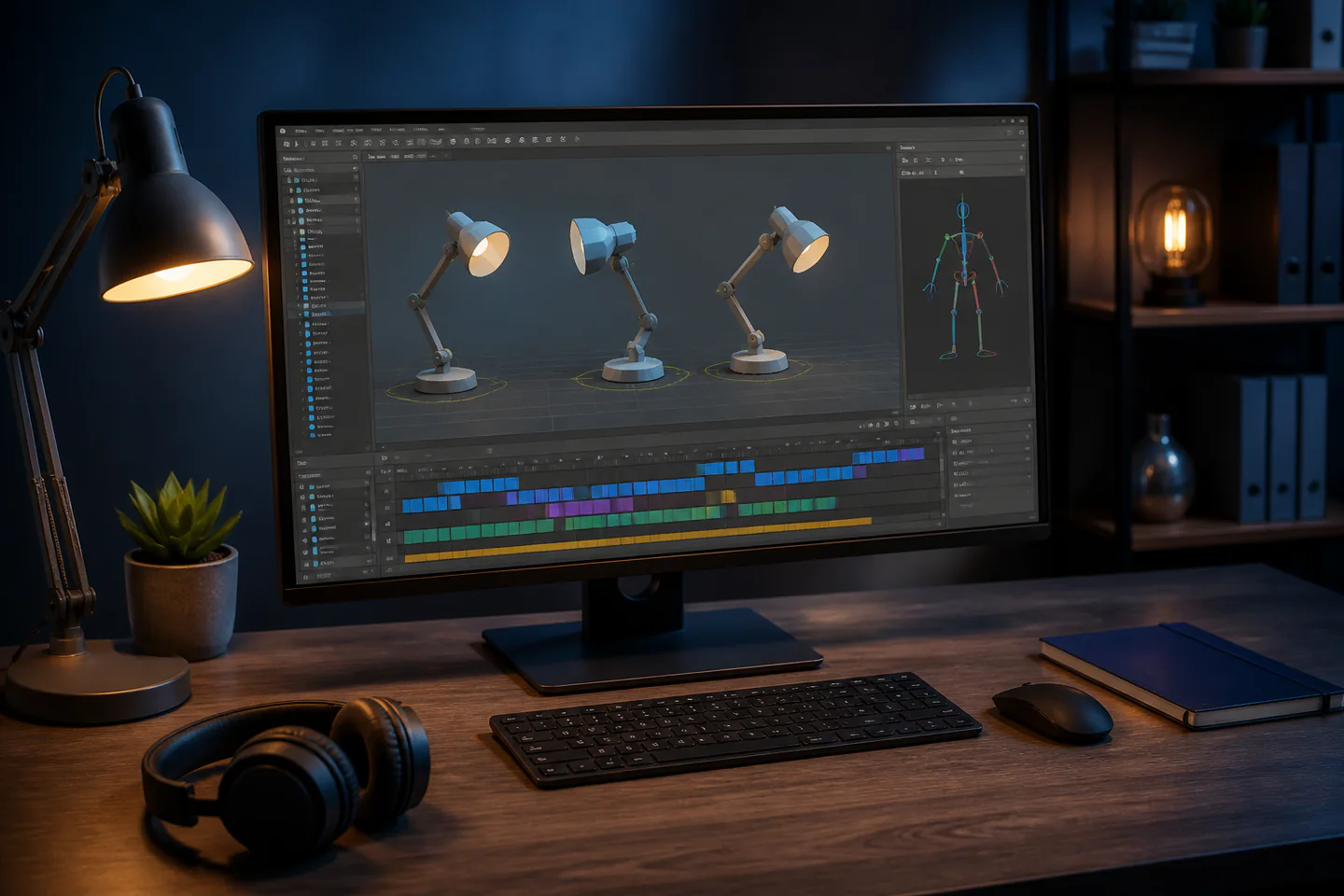
Blender keyframes, timing and interpolation are easier to understand with a bouncing ball or lamp before character rigs, simulations and long renders.
Quick answer
Complete one three-second animation before expanding the setup
Install the current stable Blender release from its official site and use a simple supplied or self-made sphere. Set project frame rate and output first, key the contact and apex poses, add squash only after the timing works, inspect interpolation in the Graph Editor, preview at low resolution and render an image sequence before encoding the final clip.
- 01
Keyframes describe states; interpolation determines how values travel between them. Record what happened during 3d animation so the next attempt changes one known variable instead of several guesses.
- 02
Timing chooses when an event happens, while spacing controls how fast it appears to move within that time. Record what happened during 3d animation so the next attempt changes one known variable instead of several guesses.
- 03
A playblast or viewport preview is the fastest way to judge motion before expensive rendering. Record what happened during 3d animation so the next attempt changes one known variable instead of several guesses.
- 04
Image sequences are safer than one long video render because completed frames survive an interruption. Record what happened during 3d animation so the next attempt changes one known variable instead of several guesses.
What to expect
What 3d animation is really like at the start
The useful beginner controls are preparation, one bounded task and a record of the result; specialist equipment matters only when it solves a repeated limitation.
Viewport
Real-time playback can skip frames when the scene is heavy, so frame count and timing need deliberate checks. Record what happened during 3d animation so the next attempt changes one known variable instead of several guesses.
Curves
Default easing often makes contact points float unless handles and spacing are adjusted. Record what happened during 3d animation so the next attempt changes one known variable instead of several guesses.
Rig
A rig helps control deformation but adds hierarchy, constraints and naming that a first object does not need. Record what happened during 3d animation so the next attempt changes one known variable instead of several guesses.
Render
Resolution, samples, lighting and format can consume more time than animation itself. Record what happened during 3d animation so the next attempt changes one known variable instead of several guesses.
Core method
The core 3d animation method
Set the project
Choose frame rate, length, resolution, colour management and output folder before keying. Record what happened during 3d animation so the next attempt changes one known variable instead of several guesses.
Block key poses
Create contact, compression, launch, apex and landing with stepped or clearly spaced keys. Record what happened during 3d animation so the next attempt changes one known variable instead of several guesses.
Refine motion
Switch interpolation, inspect curves, adjust handles and compare arcs without changing several controls at once. Record what happened during 3d animation so the next attempt changes one known variable instead of several guesses.
Preview and render safely
Make a low-cost preview, then render numbered frames and encode the approved sequence. Record what happened during 3d animation so the next attempt changes one known variable instead of several guesses.
Useful products
Products with a clear job in the route
A screenless graphics tablet is optional for sculpting or drawing curves, headphones help review final sound and the SD card is only removable transfer media; the first animation should use the computer and mouse already owned.
XP-Pen Deco mini7 V2 Graphics Tablet
It removes mouse drawing as the main limitation without buying a pen display.
Audio-Technica ATH-M40x Monitor Headphones
Closed backs are practical while recording and checking a first mix.
SanDisk 128 GB Extreme PRO SDXC UHS-I Card
A known card simplifies a small shoot and offload routine.
First project
Animate one ball crossing the frame and settling
Use one camera, one light and a plain floor so timing, arcs and contact remain the whole problem.
- 01
Set 72 frames
Use a three-second timeline at 24 frames per second and save a versioned file. Record what happened during 3d animation so the next attempt changes one known variable instead of several guesses.
- 02
Block contacts and apexes
Place the ball where the action changes direction. Record what happened during 3d animation so the next attempt changes one known variable instead of several guesses.
- 03
Check spacing
Scrub and preview the motion before adding squash. Record what happened during 3d animation so the next attempt changes one known variable instead of several guesses.
- 04
Add restrained deformation
Scale at contact while preserving believable volume and orientation. Record what happened during 3d animation so the next attempt changes one known variable instead of several guesses.
- 05
Render an image sequence
Check frames, encode a small clip and archive the source and final settings. Record what happened during 3d animation so the next attempt changes one known variable instead of several guesses.
What can wait
What can wait until the first result
Delay anything that adds cost, risk or another variable before the basic workflow has produced something you can review.
- 01
A character rig
Walk cycles add anatomy, weight and deformation before timing is secure. Record what happened during 3d animation so the next attempt changes one known variable instead of several guesses.
- 02
Fluid or cloth simulation
Caches and physics settings obscure hand-authored motion. Record what happened during 3d animation so the next attempt changes one known variable instead of several guesses.
- 03
Photoreal rendering
Long renders slow iteration without improving animation fundamentals. Record what happened during 3d animation so the next attempt changes one known variable instead of several guesses.
- 04
Large asset libraries
A simple original object keeps scale, rights and scene complexity controlled. Record what happened during 3d animation so the next attempt changes one known variable instead of several guesses.
Upgrade path
Add the capability you can now name
Each stage should remove a demonstrated constraint rather than make the setup look more advanced.
Use what you own
£0–£20Existing equipment and one written plan
Use Blender, a mouse and a simple primitive.Repeat the first route
Free software; existing suitable computerA complete repeatable starter setup
Repeat short motion studies and organise files and renders.Add one capability
Often £50–£250One selected tool, service or learning resource
Add a tablet, stronger GPU or rigging course only for a measured bottleneck.Build specialist depth
Club, course or specialist dependentA documented specialist workflow
Build character, simulation or production pipelines with naming, cache and colour-management discipline.Safety & care
Protect files, eyes and render time
The main risks are repetitive work, lost versions, unlicensed assets and uncontrolled compute demand.
- Take regular movement and distance-vision breaks and adjust the workspace for neutral wrists and shoulders.
- Save incrementally and keep an independent backup of source files, textures and rendered frames.
- Use assets, fonts, music and reference material only under licences that permit the intended output.
- Monitor temperature, ventilation and power when a computer renders for long periods.
- Do not rely on auto-save or a single compressed video as the only copy of the work.
Outside help
When outside help earns its place
A structured Blender course helps when curve editing, rig hierarchy or render settings become the repeated barrier.
Choose project files you can inspect and a course that finishes short exercises rather than surveying every Blender feature.
Use outside help after the first 3d animation attempt can reveal the exact technique, access or safety problem that needs live correction.
Representative UK learning and access routes checked 1 September 2026; local prices, permissions, equipment and tutor support vary.
Sources
Where the guidance came from
Authoritative and specialist guidance supports the method and safety boundaries; community discussion contributes recurring beginner problems rather than unsupported claims.
-
01
Blender Manual · Animation and rigging
Official keyframe, timeline, rigging and animation reference.
Open source -
02
Blender · Rendering features
Official render-engine and output context.
Open source -
03
Blender Education · Animation foundation
Beginner keyframe and timeline competencies.
Open source -
04
Blender Studio · Training
Production-oriented animation and workflow instruction.
Open source -
05
Pixar in a Box · Animation
Timing, interpolation and animation-maths learning.
Open source -
06
Reddit · r/blenderhelp
Community evidence on first animations, interpolation, rigs and rendering problems.
Open source -
07
Amazon UK · Deco mini7 V2 Graphics Tablet
Exact Amazon UK product page or ISBN used for this recommendation; current price, seller, specification and availability should be confirmed.
Open source -
08
Amazon UK · ATH-M40x Monitor Headphones
Exact Amazon UK product page or ISBN used for this recommendation; current price, seller, specification and availability should be confirmed.
Open source -
09
Amazon UK · 128 GB Extreme PRO SDXC UHS-I Card
Exact Amazon UK product page or ISBN used for this recommendation; current price, seller, specification and availability should be confirmed.
Open source
Guide information and links checked 1 September 2026.